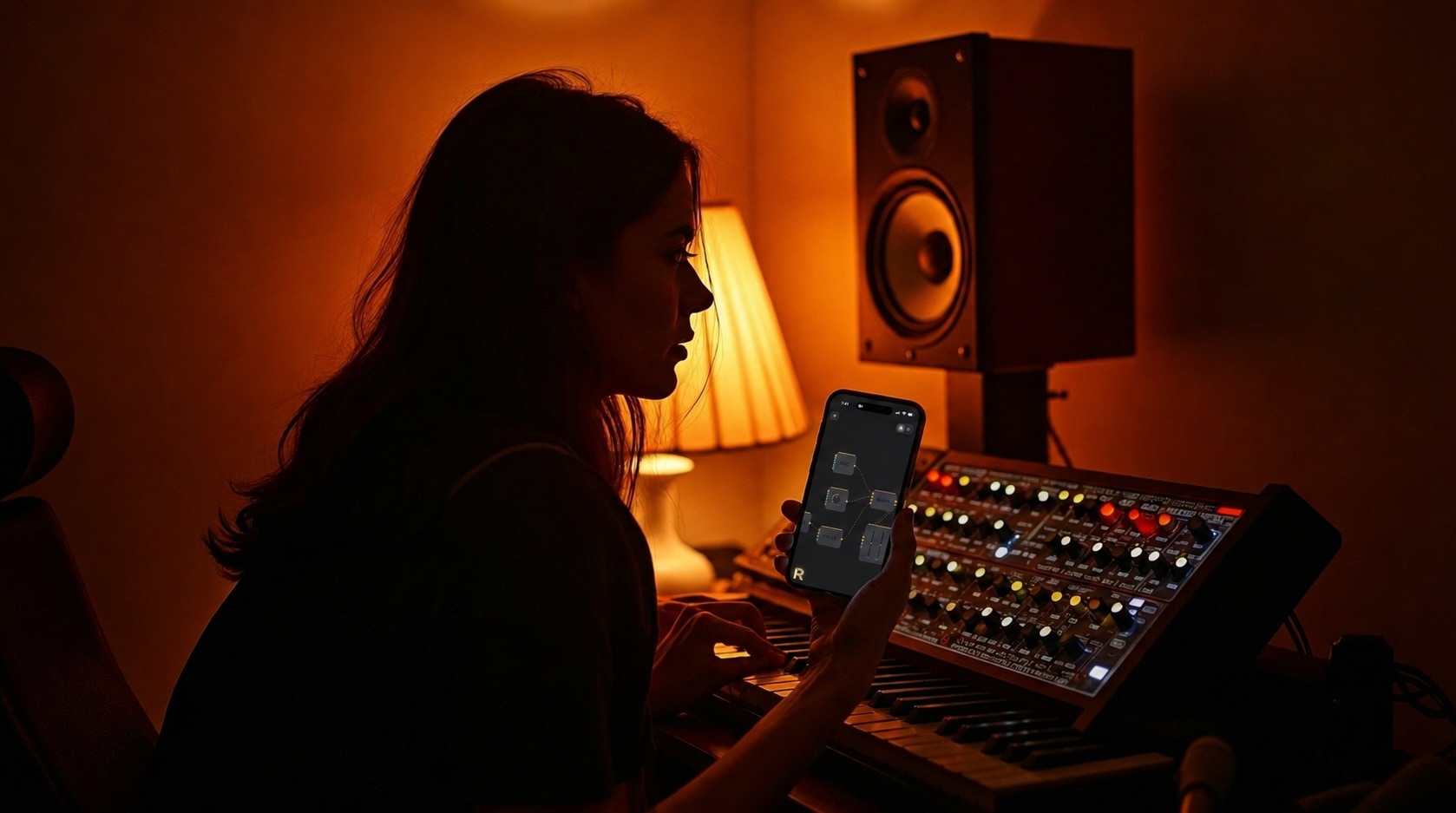
Make your own synth.
Or anything.
Snap the parts together, or get help from the Assistant with Pro and your own AI service. It plays through your mic, camera, motion and touch. No coding.
First on iPhone and iPad, from the App Store. Versions for Mac, Windows and Android are planned.
Three ways in
Say it. Or build it.
Just ask.
With Pro and your own AI service, tell the built-in Assistant what you want. Watch RISR build it, then change anything.
Build it by hand.
Snap the parts together yourself, about 300 of them, and see exactly how it works.
You never have to know what's underneath. But it's all there when you want it.
The idea
Wire it. Then give it a face.
THE PARTS
What it does. Parts joined by wires.
THE FACE
How you play it. Knobs, pads and screens, laid out your way.
Together, they make something that's yours. Make as many as you like.
What you can make
Ideas to start from.
Drawn the way RISR draws them. Make one like these, or something nobody has thought of yet.
Example · Track view
A playhead, a few knobs, just the parts you need.
Example · Synth panel
A classic-feeling synth, laid out the way you like.
Example · Performance pad
A pad for your fingers. Shape the sound as you play.
Not just sound
Sound, picture and motion.
In one place.
Let a beat move the picture. Let your voice change the colours. If your device can sense it, you can build with it.
Synths, effects, mixing, recording.
Camera, colour, text, layers, effects.
Notes, knobs, sequencers and logic.
Simple shapes that move to the sound.
And your device's own senses as inputs: microphone, camera, motion and touch.
iPhone and iPad first
On the devices you already have.
iPhone and iPad come first, through the App Store. Versions for Mac, Windows and Android are planned.
The parts
About 300 of them.
Each one does one thing well. Snap them together, or, with Pro and your own AI service, let the Assistant do it for you.
Early access
One plan. RISR Pro.
Billed yearly.